
A story, scene by scene
Start with a topic and develop it into a script and visual storyboard.
Turn what’s in your head into something worth watching. AI-assisted scripts, visuals, voiceovers, and an editor that puts you in the director’s chair.
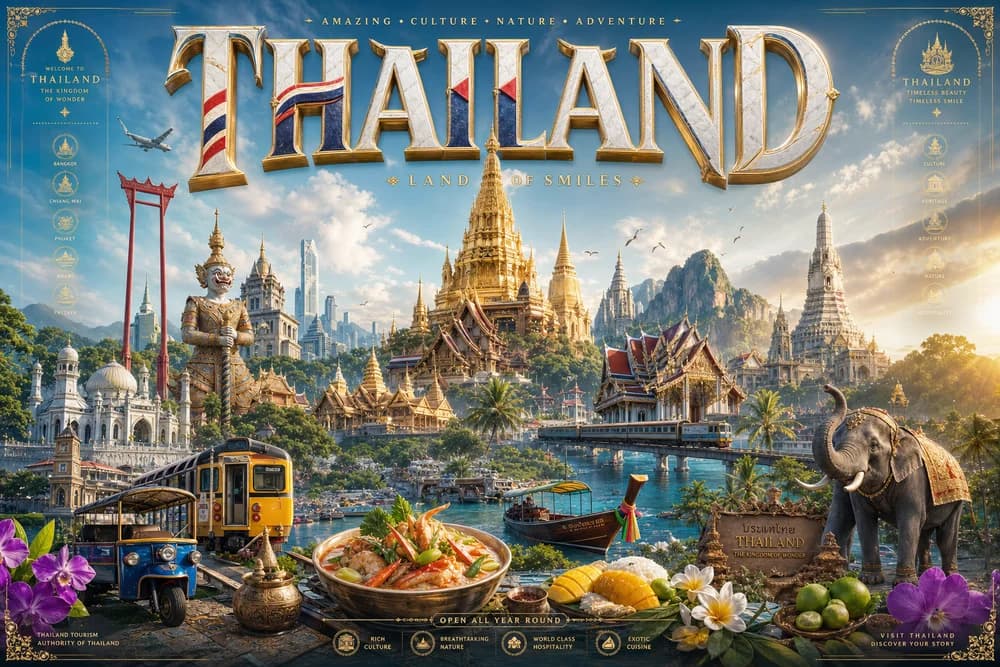 VISUAL INSPIRATION
A topic, a product, a wild idea. Start with a few words and choose a direction. You’ll review the creative settings in the editor.
Let AI help with the heavy lifting.
Keep the creative decisions yours.
Describe your story, choose a format, and set your visual style.
Generate your script, visuals, and narration with the editor’s creation tools.
Refine scenes, captions, audio, and transitions. Then export your video.
Start with a topic and develop it into a script and visual storyboard.
Choose a voice and language, then bring your script to life with narration.
Style your captions and adjust their timing alongside your scenes.
Layer background music and voiceover to give your story its rhythm.
Arrange media, text, and transitions on an editable timeline.
Create in vertical, widescreen, or square and export your finished video.
Explore AI creation & standard exports
For active content creators, YouTubers & reel makers
For power creators, marketing agencies & studios
Generation costs depend on your model and settings. Export resolution, watermark removal, and commercial rights vary by plan.
Video generation creates clips from prompts or reference images. The video studio helps you build a multi-scene project with a script, visuals, narration, captions, music, and an editable timeline.
Yes. Open your project in the editor to change scenes, text, captions, audio, and transitions before exporting.
Your brief, canvas format, and visual style open in the editor’s new-project flow. Sign in if needed, review the available settings, then start generation when you’re ready.
Watermark removal and export resolution depend on your plan. Review the plan details above before choosing.